Eight steps to move a dental practice up in its city’s Google map results, with Google’s guideline limits and the college rules to check.

SEO & Growth Strategist · 10+ years experience
Share this article
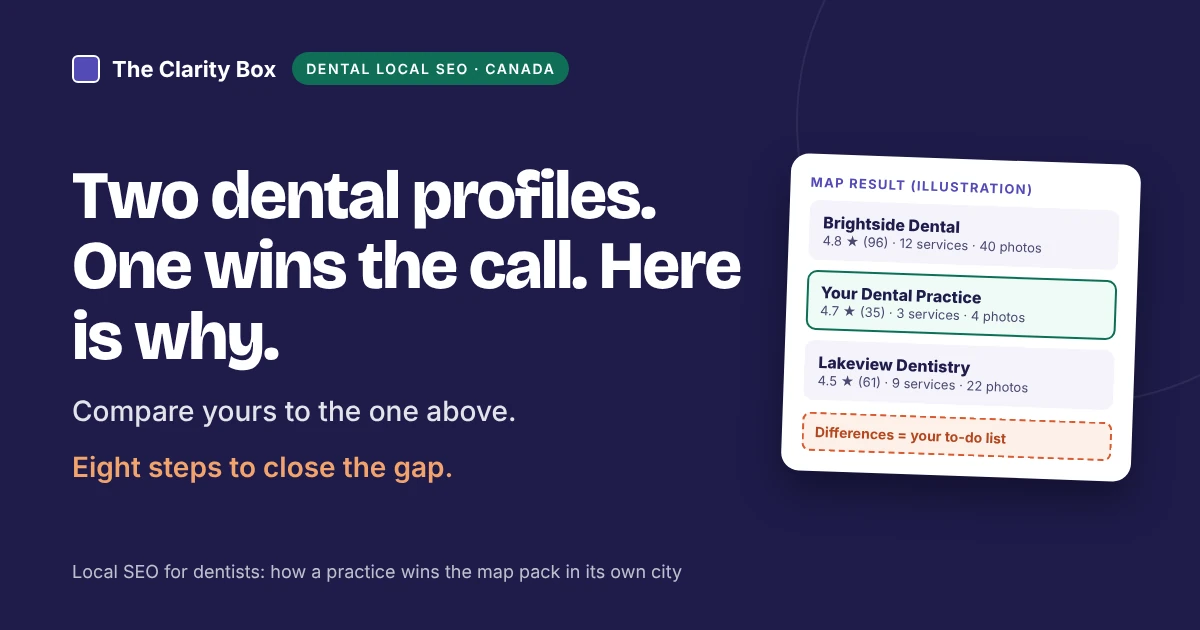
When a patient searches “dentist near me”, the practice above you may have fewer years in practice and still win the call. Here is how to compare profiles and close the gap. As of November 13, 2026.
Key takeaways
Map-pack results combine relevance (does the listing match the search), distance (how close is the practice to the searcher), and prominence (how well known and trusted the listing looks). You cannot move your building, but you can improve relevance and prominence.
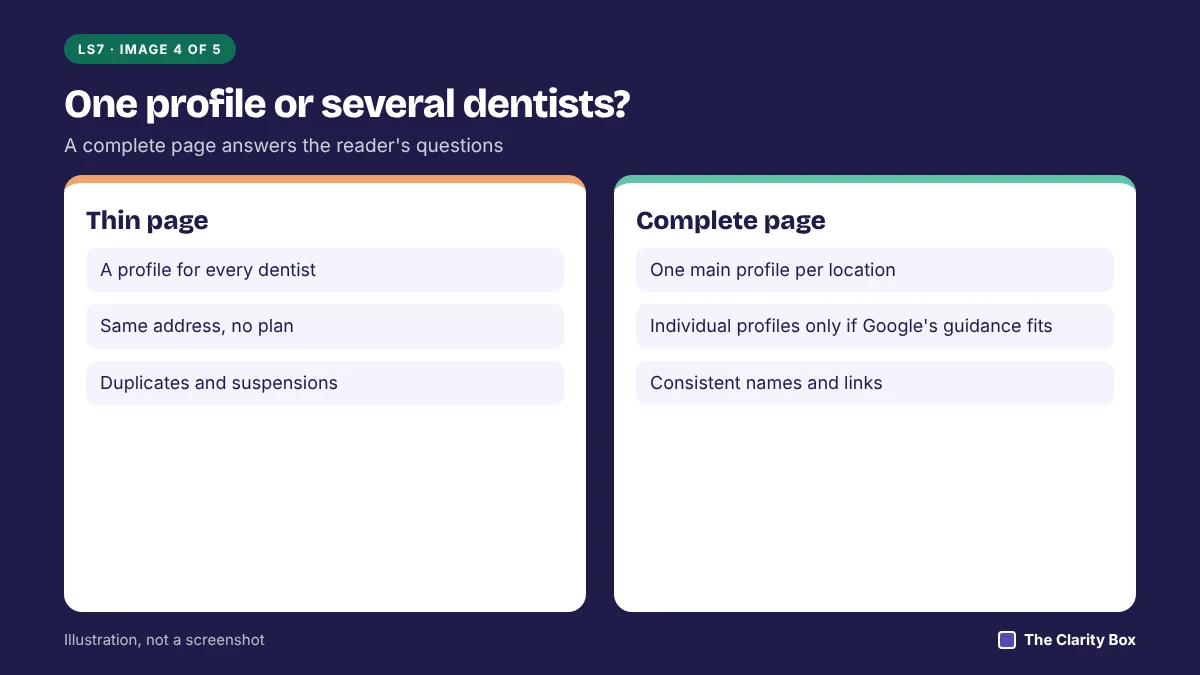
Before changing anything, compare your profile with the two practices above you. Open each in a private window on google.ca and write down differences in category, services, photos, review count, review recency, reply habits, and the website link. The differences are your to-do list.
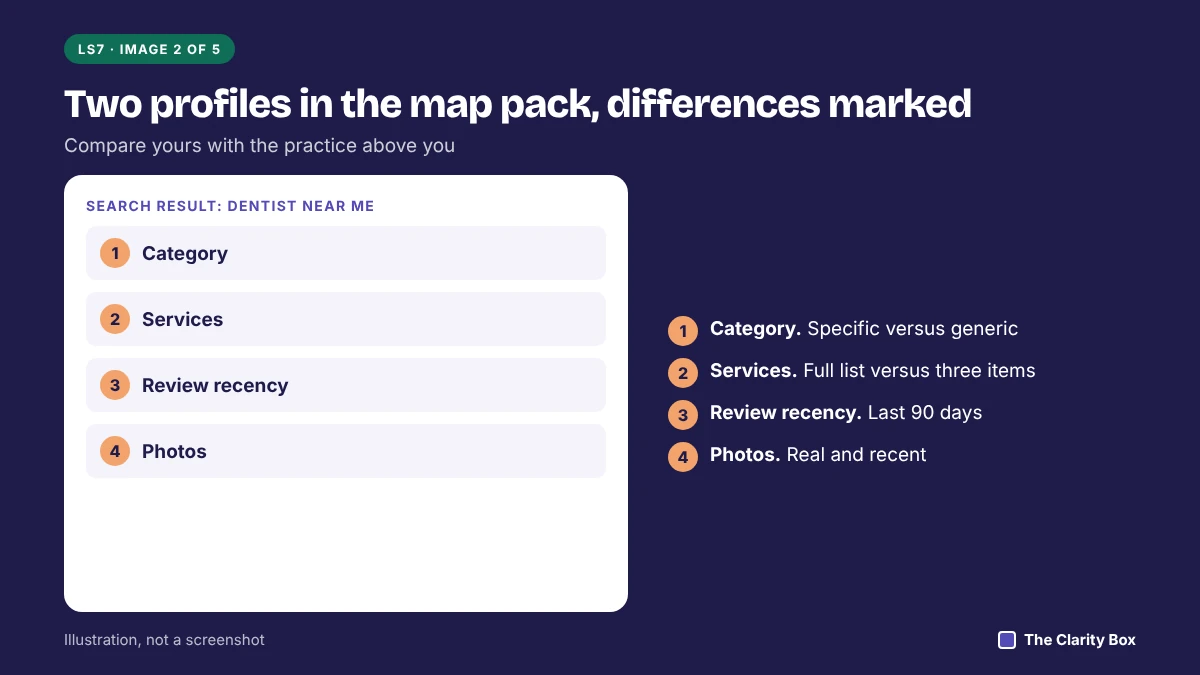
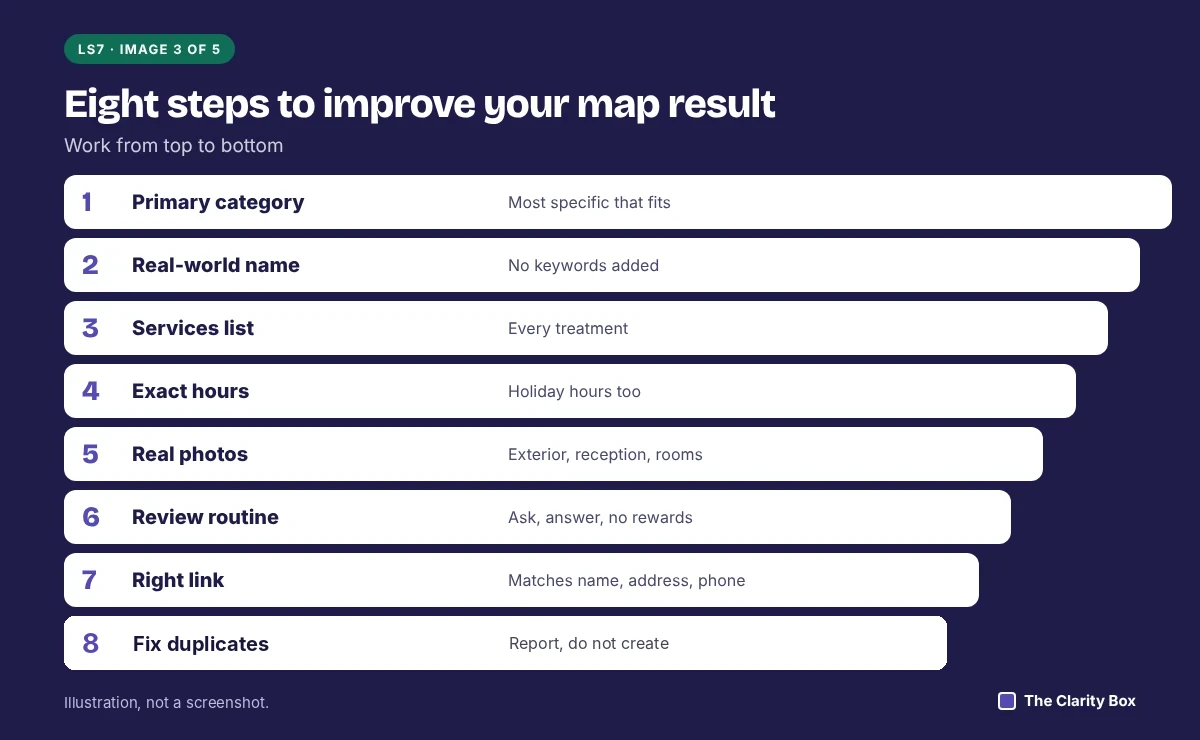
Use this table to track your progress:
| Step | What to compare with the practice above you | Done when |
|---|---|---|
| Category | Primary and secondary categories | Yours is as specific as theirs |
| Services | Number and wording of services | Every treatment you offer is listed |
| Photos | Count, freshness, real versus stock | At least a dozen real photos, added in the last year |
| Reviews | Count, last three months, replies | Steady monthly flow, all answered |
| Website match | Name, address, phone, hours | Identical everywhere |
| Duplicates | Old listings | None remaining |
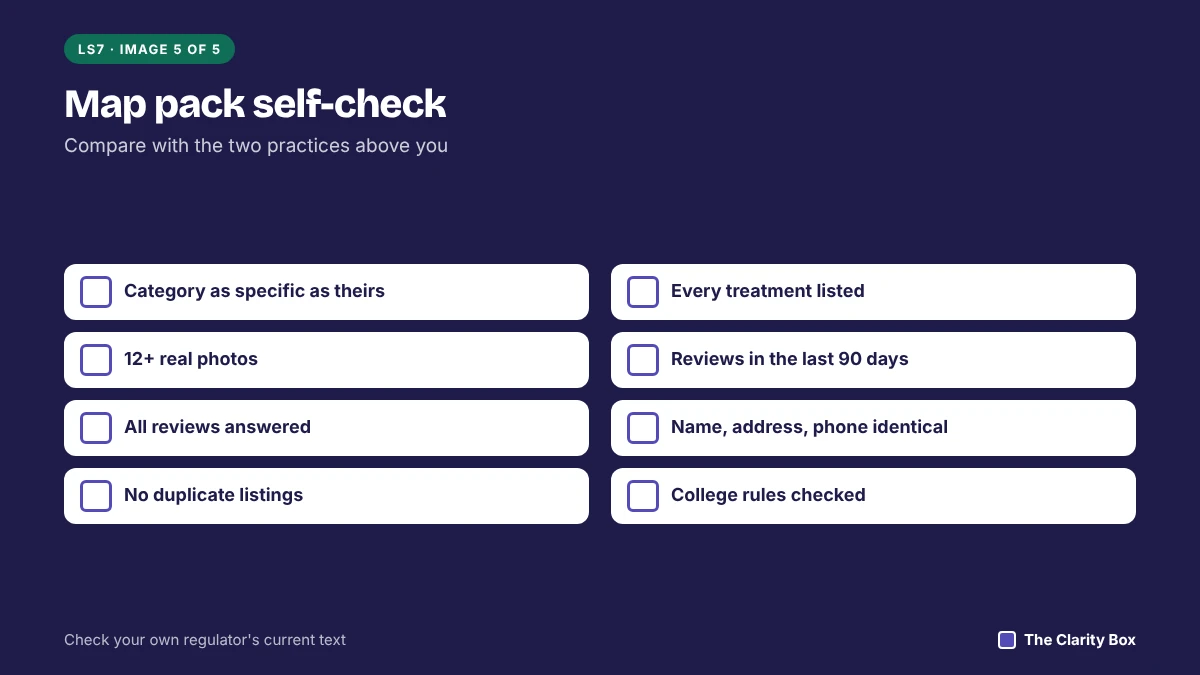
Google’s guidelines allow individual practitioner profiles in some cases, but a second profile at the same address can cause duplicates or suspensions. The simple rule: one main profile per location; add an individual profile only if Google’s current practitioner guidance fits, and keep names, categories, and links consistent. Verify against the live help pages, because screens and rules change.
For multi-location groups, give each location its own page with its own details, and never reuse the same text.
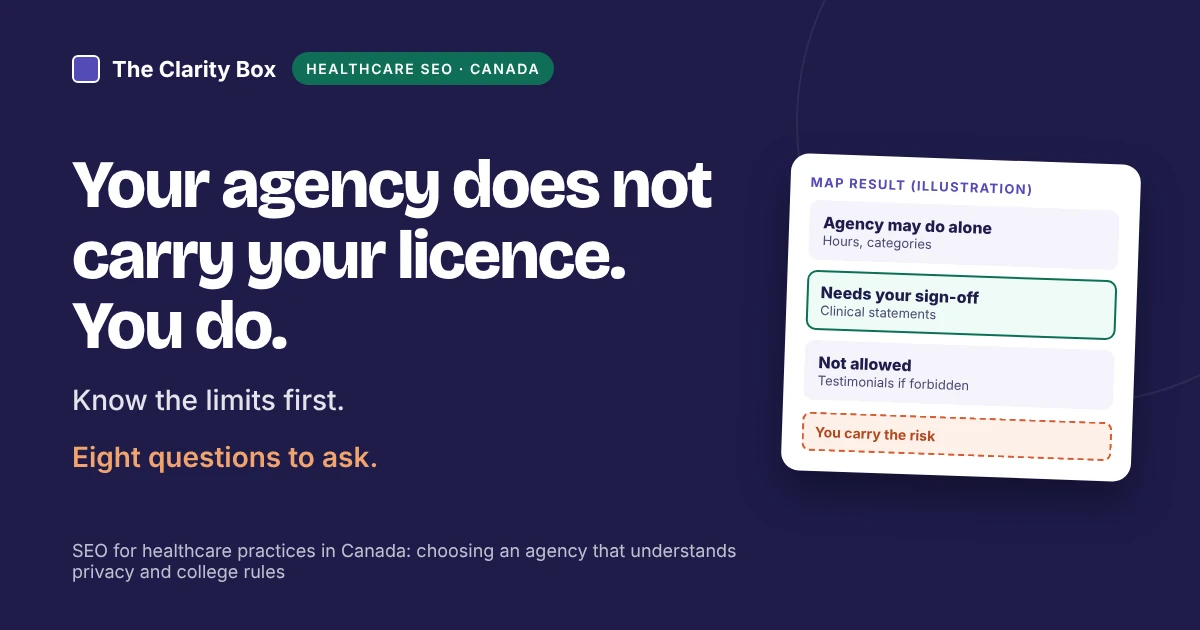
Your provincial dental college’s advertising rules apply to your profile and website. In Ontario, for example, the Royal College of Dental Surgeons of Ontario advises avoiding testimonials and does not allow superiority claims. That affects how you reply to reviews and what you put in the profile description. Check your own college’s text.
On the first page of google.ca (Canada-targeted results, not city-level, checked November 2026) most pages are agency posts describing general local SEO. Few compare your profile against the practices above it, few cover multi-dentist profile rules, and few mention the regulator. This guide adds a comparison method and the regulator layer. For the full picture, see dental SEO in Canada, SEO for dental practices, and local SEO. If you are weighing agencies, read how to choose a dental SEO agency.
Profile changes can show within weeks; reviews and pages take months. See how long local SEO takes.
Not first. Match the website to the profile.
Yes, briefly and without confirming that the person is a patient.
Only if Google’s guidance fits.
They can keep the profile fresh, but they do not replace the steps above.
It can if the main number does not match your website. Keep the main number consistent. More in Local SEO and Google Business Profile questions.
Want the eight steps checked against the practices above you? THE CLARITY BOX will review your profile and send a written list.
Saba is an SEO and growth strategist with over 10 years of experience in SEO, content strategy, and digital marketing. She writes about organic growth, content optimization, technical SEO, and AI-powered search, translating complex concepts into practical, data-informed insights that help businesses make smarter marketing decisions.