Service areas do not rank you on their own. Learn how relevance, distance and prominence work for trades and home services, and how to set up your profile and pages.

SEO & Growth Strategist · 10+ years experience
Share this article
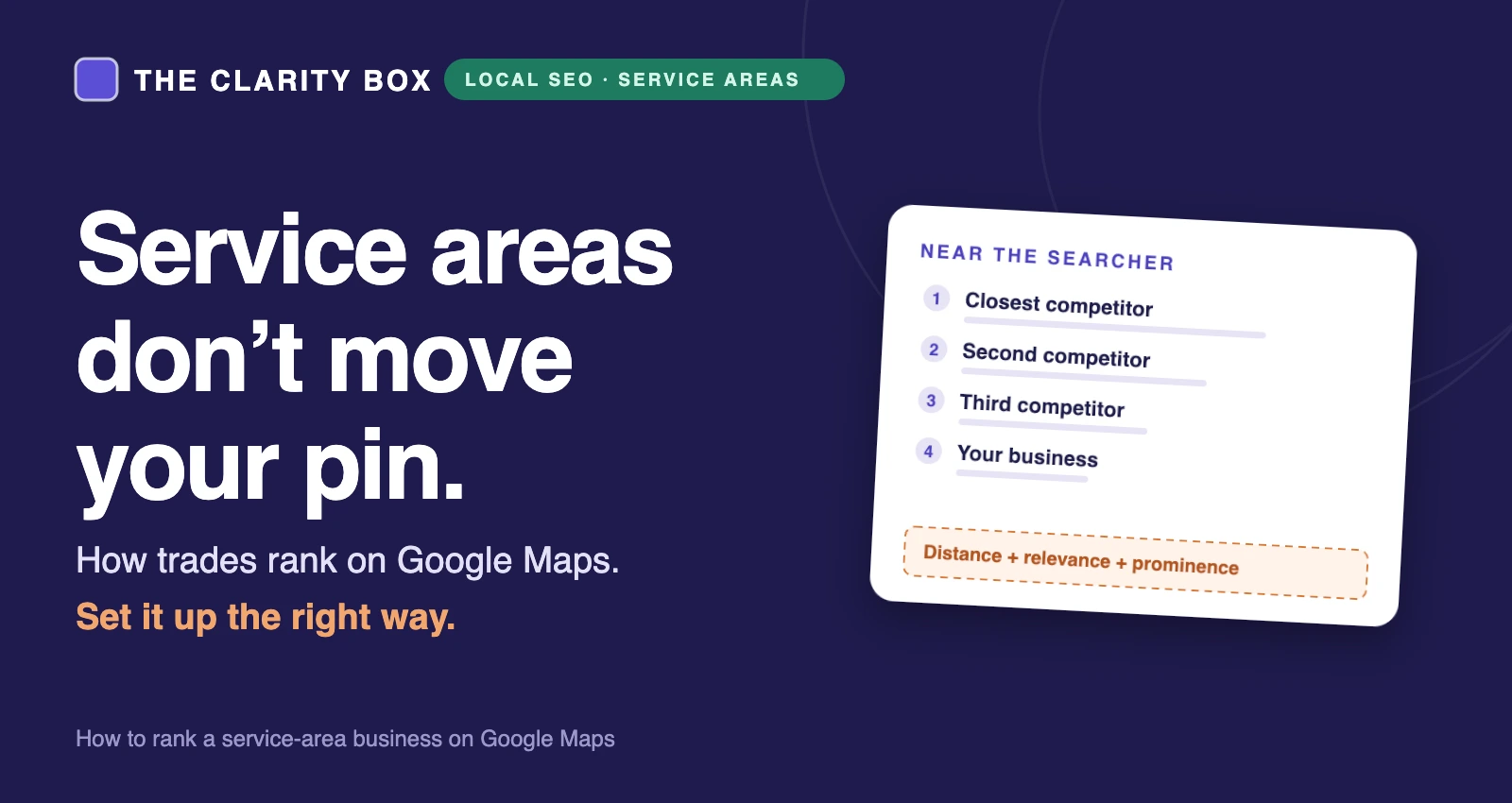
If you are a plumber, electrician, cleaner or other business that travels to customers, local ranking works differently from a shop with a front door. This guide explains what service areas really do, what Google actually uses to rank you, and how to set up your profile and pages without risking a suspension.
Key takeaways
You rank a service-area business by getting three things right: a correctly set-up Google Business Profile, a website that clearly matches what people search for in each area you really serve, and a steady flow of genuine reviews and local mentions. The map results also depend on where the searcher is, so the goal is to be the strongest option for the places closest to your base, then widen outward as your reviews and pages grow.
This guide is written for plumbers, electricians, cleaners, landscapers, movers and other trades and home services that travel to customers. Many of the same rules apply to a mobile clinic or a consultant who works on site.
Google treats a business as a service-area business when it serves customers at their location rather than at yours: a plumber visits the home, a cleaner visits the office. Because customers do not come to you, Google lets you hide your address and instead list the areas you serve. A shop, dental clinic or restaurant that people visit is a storefront business and shows its address.
Many businesses are both. A landscaper with a yard where customers pick up supplies, or a clinic that also does home visits, may show their address and list service areas.
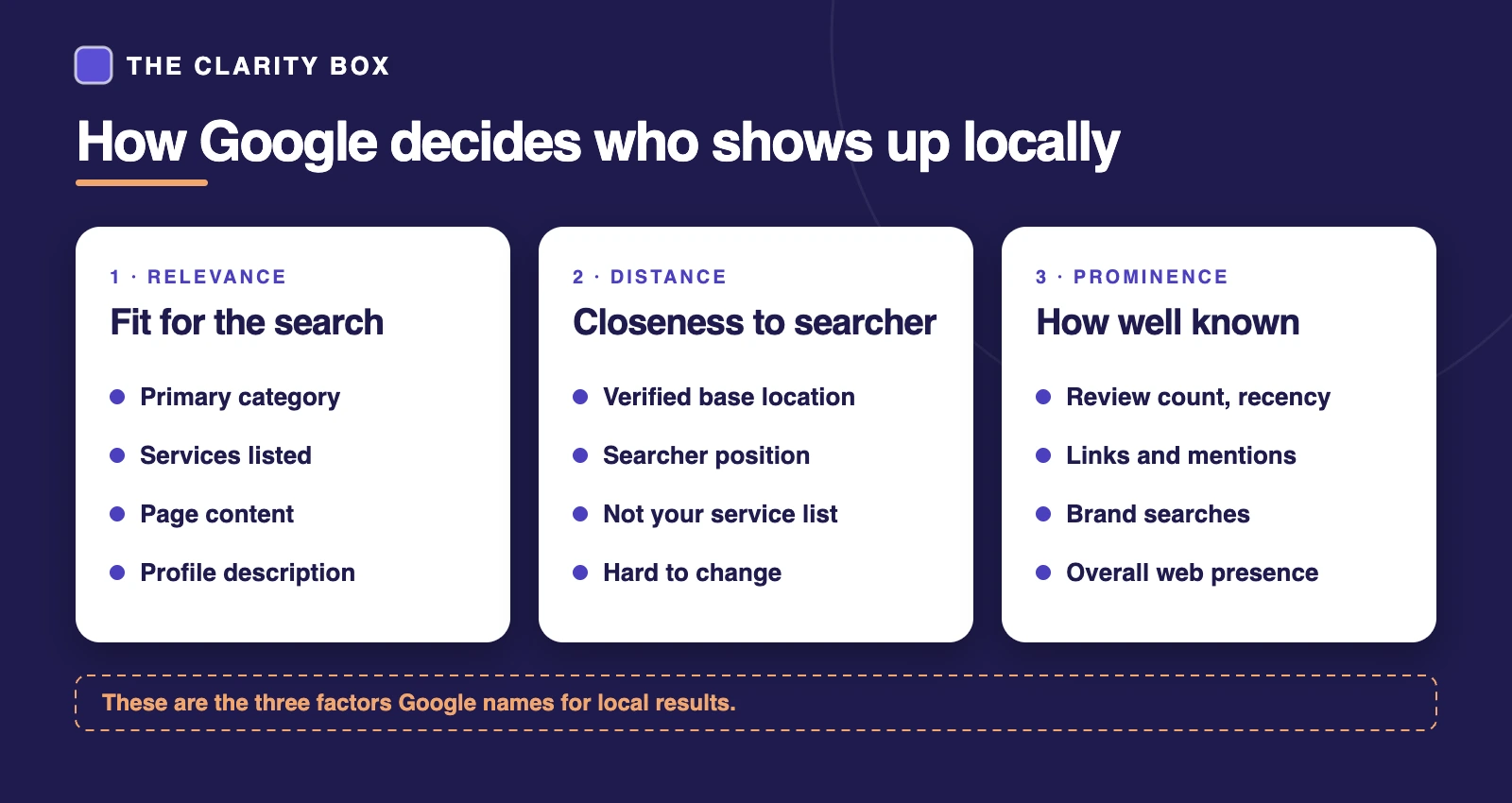
Not directly. The service area tells Google and customers where you work, but Google’s own description of local ranking is built on relevance, distance and prominence. Distance is measured from your verified business location, not from the edge of the areas you list. In practice, adding a suburb to your list rarely makes you appear on the map there if a competitor is closer and has stronger reviews. Treat the list as accurate information, not as a ranking lever.
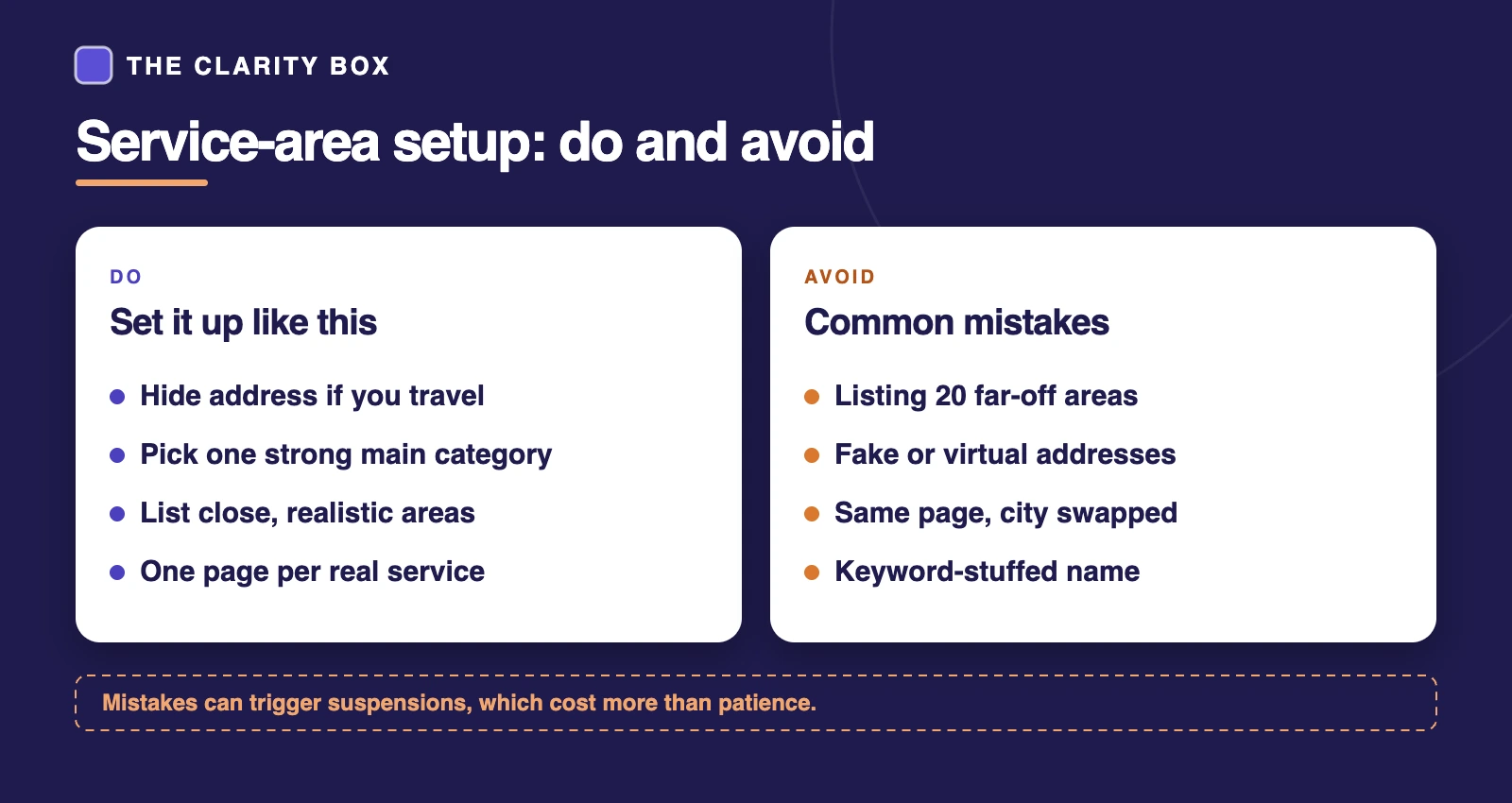
A doorway page is a near-copy created only to rank for another place name. A useful area page answers a customer’s real question for that place. A simple test (our rule of thumb): if you removed the place name and the page would still read as the same page, it is not ready. Before publishing an area page, check that it has at least three things that are specific to that area: a real job you completed there with photos, a review from a customer there, local details such as bylaws, building types or seasonal issues, and the neighbourhoods you actually reach from your base.
If you cannot add those, fold that area into a single “areas we serve” section on a service page instead of creating a thin page.
Local results change with the searcher’s position, so your desk is a poor test. Use a location-based rank check or map-grid tool, and compare it with your profile’s performance data for calls, direction requests and searches. Also ask a customer in a neighbouring suburb to search for you. If you see a sudden drop, work through why profile rankings fall, and set realistic expectations using our guide to how long local SEO takes.
Organic ranking is not your only route. Google’s Local Services Ads are a separate, paid listing format shown above the map for eligible trades and cities. Availability depends on your category and location, so check eligibility in Google’s own tool before planning around it. The organic work in this guide is still what builds long-term visibility.
Sometimes, but it is harder. Map results lean heavily on how close you are to the searcher, so ranking well in a city far from your verified base is difficult. The more reliable ways to widen your reach are strong reviews, well-built pages for the nearby areas you genuinely serve, and local mentions.
If you serve customers at their location and they do not visit you, Google’s guidelines say to hide your address. If customers do visit you, show it. Never use a virtual office, a mailbox or a made-up address.
Google currently lets you add up to 20 service areas, and recommends keeping them within roughly two hours’ drive of your base. Add only places you really serve, not as many as you can fit.
No. Build a page where you have something real to say: jobs done, local details, photos and reviews from that area. A list of near-identical pages with only the place name changed adds little and can look like doorway pages.
THE CLARITY BOX reviews your profile type, categories, service areas and pages in a free SEO audit and tells you what to fix first. You can also read how our local SEO service works for trades and home services, or start from the homepage.
If you have a quote or a report from one of these firms or any other, we’ll read it with you and show you where your business appears for your main searches.
Saba is an SEO and growth strategist with over 10 years of experience in SEO, content strategy, and digital marketing. She writes about organic growth, content optimization, technical SEO, and AI-powered search, translating complex concepts into practical, data-informed insights that help businesses make smarter marketing decisions.