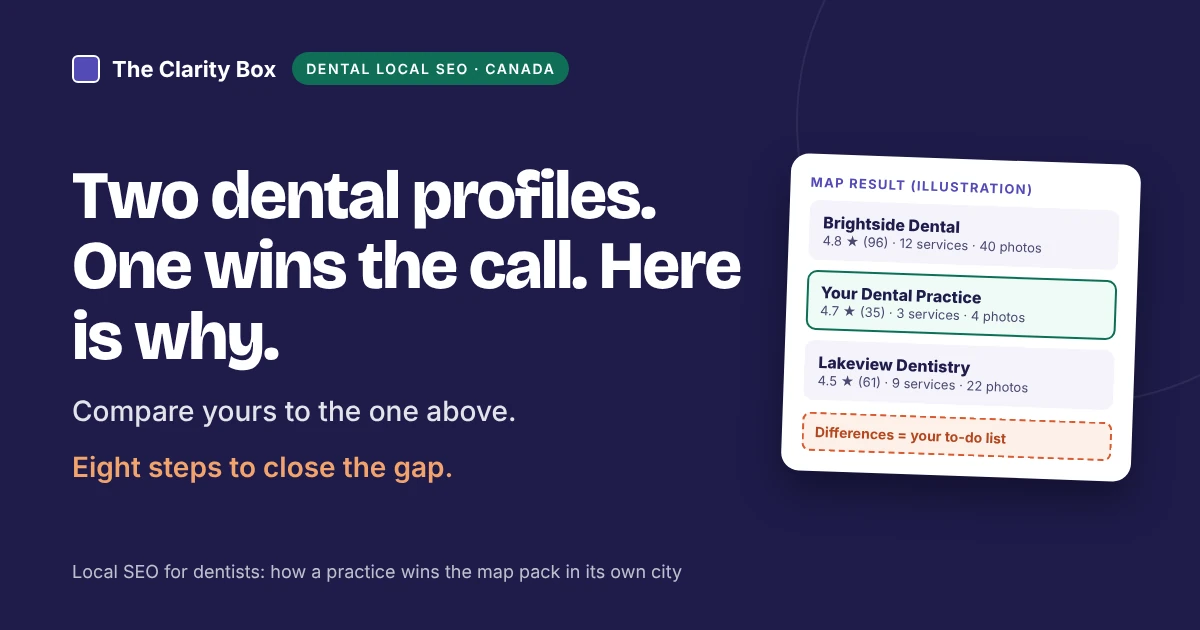
The seven fixes, in order, that bring more new-patient calls from Google, plus the dental college advertising rules to check before you publish.

SEO & Growth Strategist · 10+ years experience
Share this article
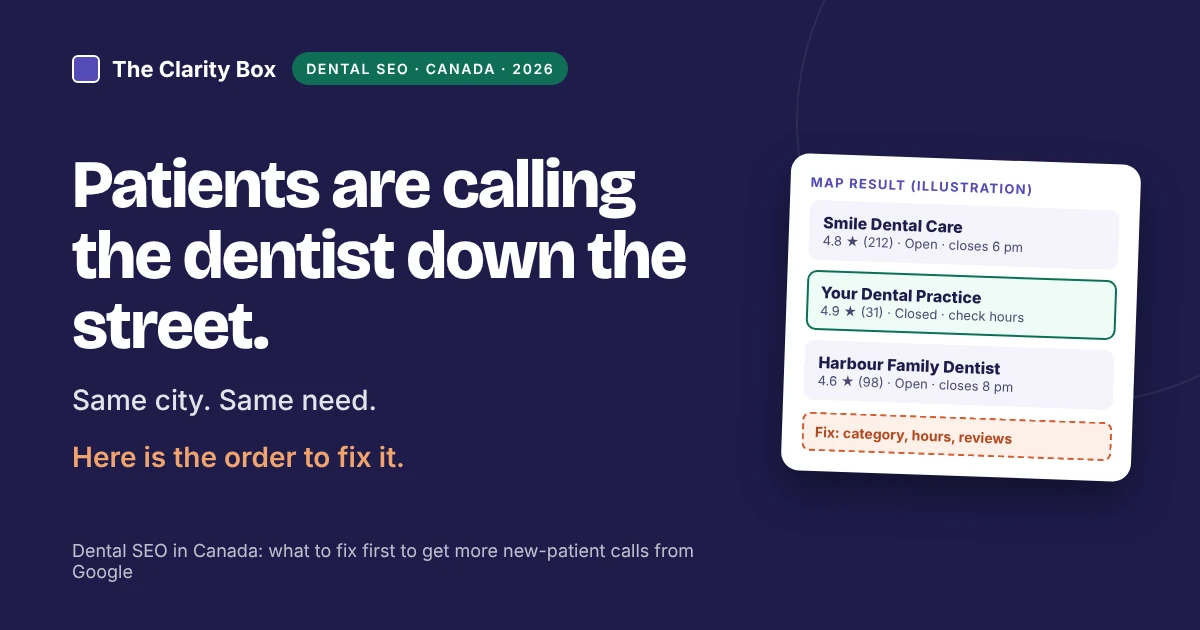
As of November 13, 2026. Local search features change; the platform rules cited here were checked on that date.
Key takeaways
A patient with a toothache or a new postal code rarely compares websites. They search “dentist near me” or “dentist [neighborhood]”, look at the map result, scan a few reviews, and call. That makes three things your first priority: whether you appear on the map, whether the details are right, and whether the reviews look recent.
The one large consumer survey we could verify is American, so treat it as a direction, not a Canadian figure. In BrightLocal’s Local Consumer Review Survey 2026 (1,002 U.S. adults, published February 11, 2026), 97% of respondents said they read online reviews for local businesses, 74% said they only consider reviews from the last three months, and 68% said they would only use a business rated four stars or higher. We found no comparable Canadian dental dataset, so we do not invent one.
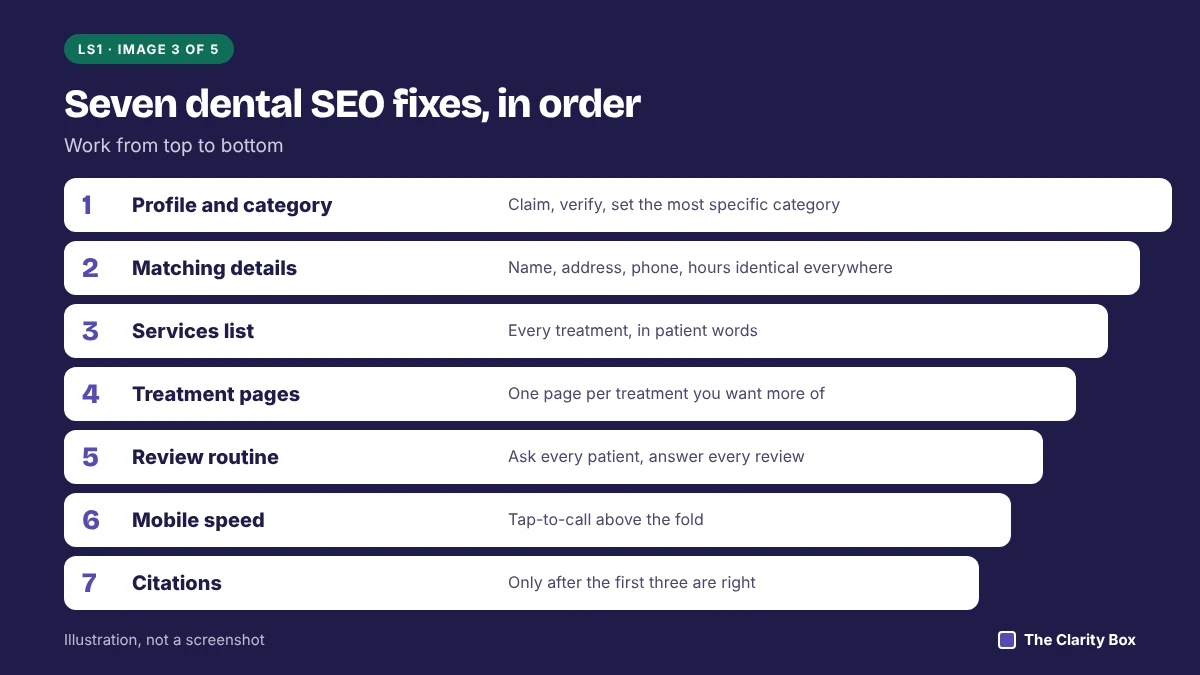
The fix is a short, ordered list. Do it top to bottom; each row removes a reason for a patient to skip you.
| Priority | Fix | Why it comes first | How to check it yourself | Effort |
|---|---|---|---|---|
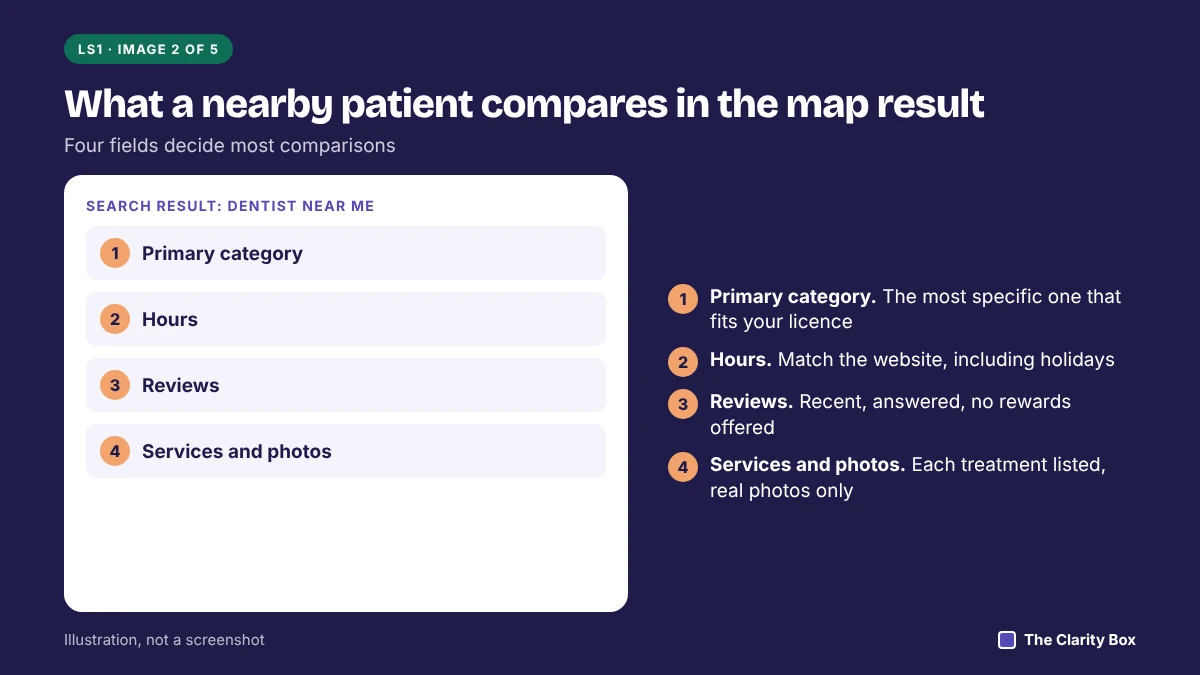
| 1 | Claim and verify your Google Business Profile, then set the primary category to the most specific one that fits (for example “Dentist”, or the specialty you are licensed in) | The category is the strongest signal of what you are for. Whitespark’s 2026 Local Search Ranking Factors survey (47 experts, published November 6, 2025) puts Business Profile signals at the top of its map-pack list | Search your practice name on google.ca in a private window and open the profile | Low |
| 2 | Make name, address, phone, and hours match your website exactly, including holiday hours | A mismatch is the most common reason a patient calls a closed line | Compare the profile, the website footer, and the contact page | Low |
| 3 | Add every service you actually offer to the profile, in the patient’s words (“emergency dental care”, “Invisalign”, “children’s dentistry”) | Services feed the profile and tell Google which searches you can answer | Read the Services section of your profile | Low |
| 4 | Build one page per treatment you want more of: what it is, who it suits, what the visit involves, what to expect afterward, and a short FAQ | Patients land on the page that matches their problem; a thin services list loses them | Search a treatment plus your city and see which of your pages loads | Medium |
| 5 | Set a review routine: ask every patient who agrees, reply to every review, and never offer incentives | Recency matters to readers, and Google’s guidelines prohibit fake and incentivized reviews | Count reviews from the last 90 days | Medium |
| 6 | Make the site fast and usable on a phone, with a tap-to-call button above the fold | Most nearby searches happen on phones | Open the site on your own phone on mobile data | Medium |
| 7 | Build local citations only after rows 1 to 3 are right, and keep your details identical everywhere | Wrong listings undo the work above | List the directories where your practice appears | Medium |
Google’s guidelines require a profile to represent a real business under its real-world name, with no extra keywords added to the name. They also require accurate hours and a specific category. If you see a competitor with a keyword-stuffed name in the map result, that is a guideline violation, not a model to copy; you can report it through Google’s own tools.
Practices with several dentists have a decision to make. Google’s guidelines allow individual practitioners who are public-facing to have their own profiles, but a second profile at the same address can cause duplicates and suspensions if it is set up carelessly. Read the current practitioner section of the guidelines before creating any, and keep one profile per location as the main one. Screens and rules change, so confirm against the live help pages.
Bring these fields up to date this week: primary and secondary categories, services, business hours, appointment link, and photos of the real practice (reception, operatories, the exterior so patients can find the door). No stock photos.
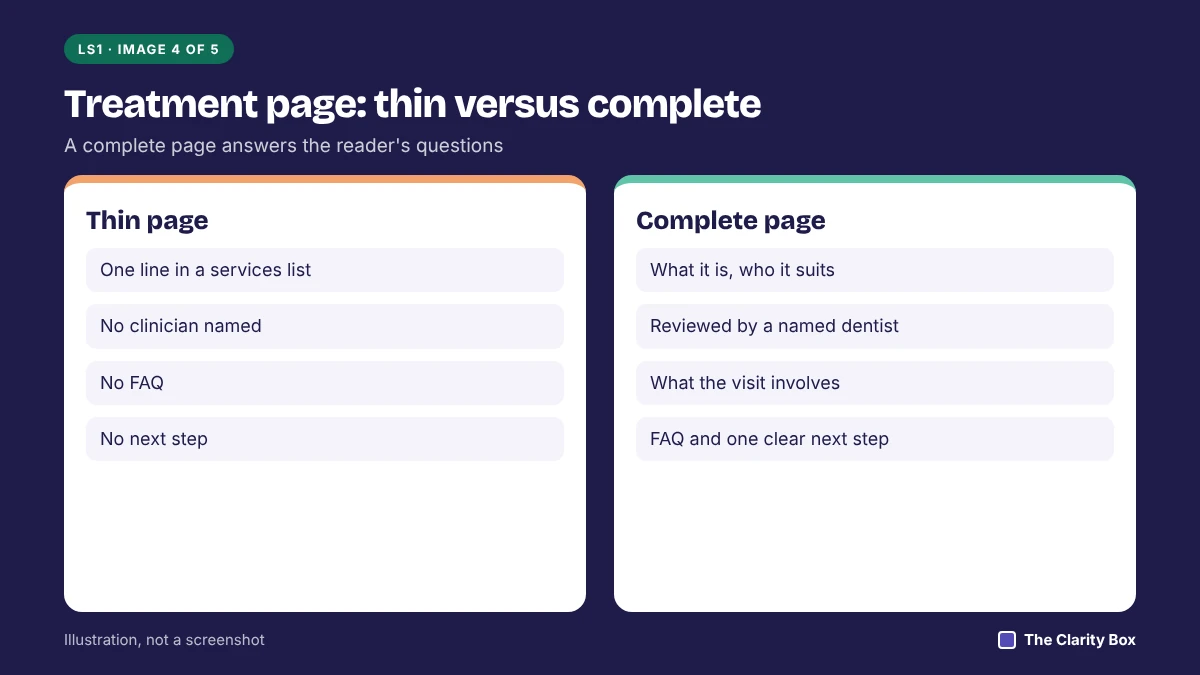
A page that says “We offer implants” in a list does little. A page that answers the questions a patient actually has gives Google something to match and gives the patient a reason to call. Use this structure for each treatment:
Write as the dentist would speak to the patient. Name the dentist who reviewed the page, link to their licence or college listing where the college allows it, and say whether the clinician is a general practitioner or a specialist, because Ontario’s advertising guidelines require that distinction to be clear.
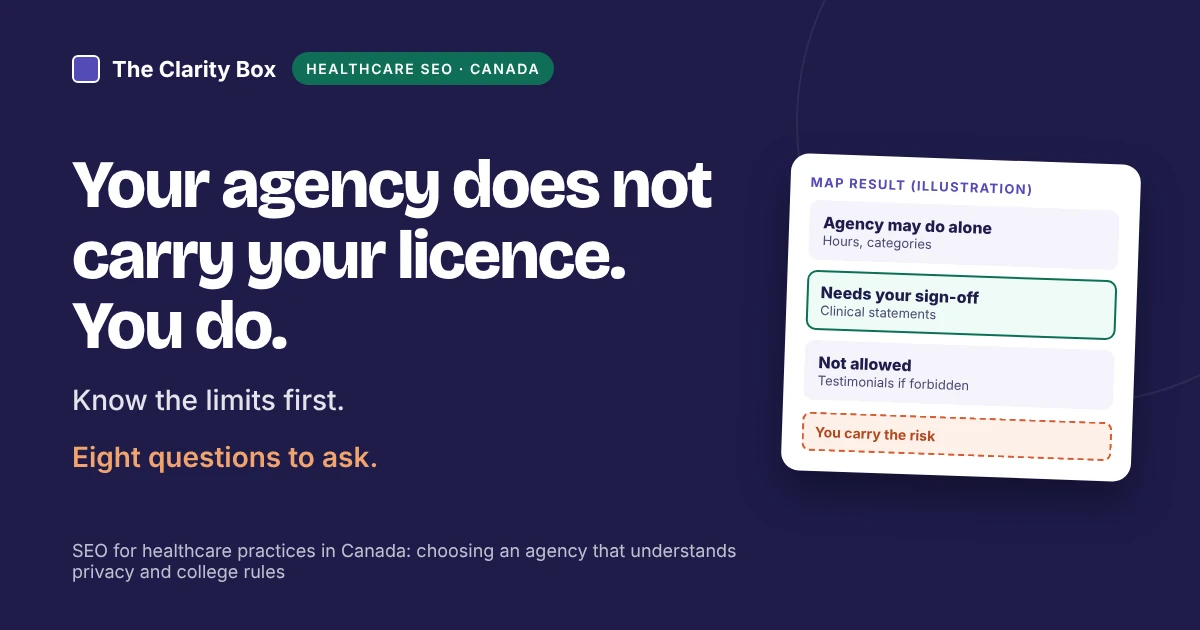
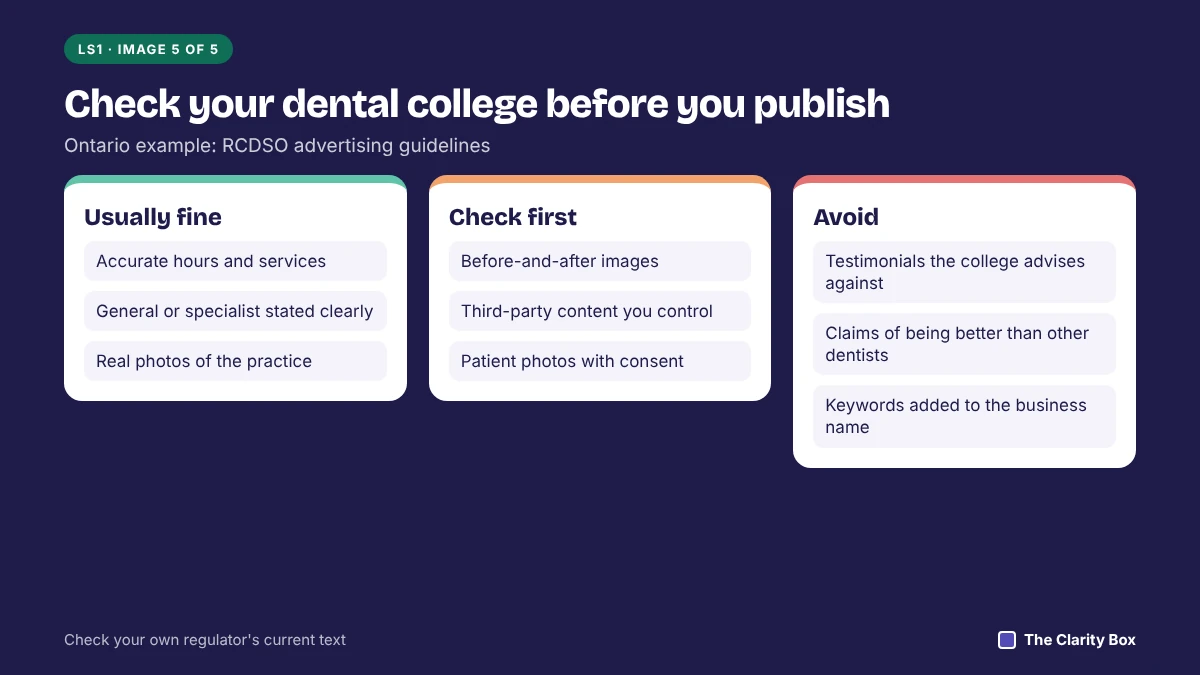
In Canada dentistry is regulated province by province, and your college’s advertising rules apply to your website, your profile, and any third-party content you control. Using Ontario as the worked example:
This is a reason to read your own college’s current text, not a reason to avoid marketing. A review routine is still usable: you can ask patients to share feedback on Google, and the reviews they write are theirs. What you should not do is publish curated testimonials on your own site if your college advises against it, or write “best dentist in Toronto” anywhere.
This section is a marked block: rules differ by country and province, and we only state what we verified.
We looked at the first page of google.ca for this topic (Canada-targeted results, not city-level, checked November 2026). Most pages are agency articles. Many list generic tactics, few name the regulator rules above, several are undated, and none gave a prioritized order with a way to check each step yourself. This guide fills that gap: the order, the checks, and the college rules. If you want this done for your practice, see our local SEO service and our SEO for dental practices page, or read our Google Business Profile questions, answered.
It depends on your starting point and your competitors. Profile fixes can show in the map result within weeks; treatment pages and reviews build over months. Anyone promising a date for a ranking is guessing. For realistic timelines, see how long local SEO takes.
Not always. If the site loads quickly on a phone, lists your details correctly, and can hold a page per treatment, fix it before replacing it.
Check your college first. Rules on before-and-after images vary and some are strict. Get written consent and follow the college text.
Not automatically. Read Google’s practitioner guidance, and only create individual profiles that meet it.
Flag them through Google’s reporting tools and keep a record. Do not retaliate with your own. Here is how to remove a fake or unfair Google review.
No. Google prohibits incentivized reviews, and some regulators advise against the practice.
If you want a second pair of eyes on the seven rows above, THE CLARITY BOX will review your profile, your treatment pages, and your review pattern, and send you a written list of what to fix first.
Saba is an SEO and growth strategist with over 10 years of experience in SEO, content strategy, and digital marketing. She writes about organic growth, content optimization, technical SEO, and AI-powered search, translating complex concepts into practical, data-informed insights that help businesses make smarter marketing decisions.