SEO for contractors: the 8 things that bring in estimate requests (and the ones that do not)

The eight things that bring estimate requests to contractors from Google, in the order to fix them, plus the tactics that waste effort.

Picture of Saba Samdani
Saba Samdani

SEO & Growth Strategist · 10+ years experience

Share this article
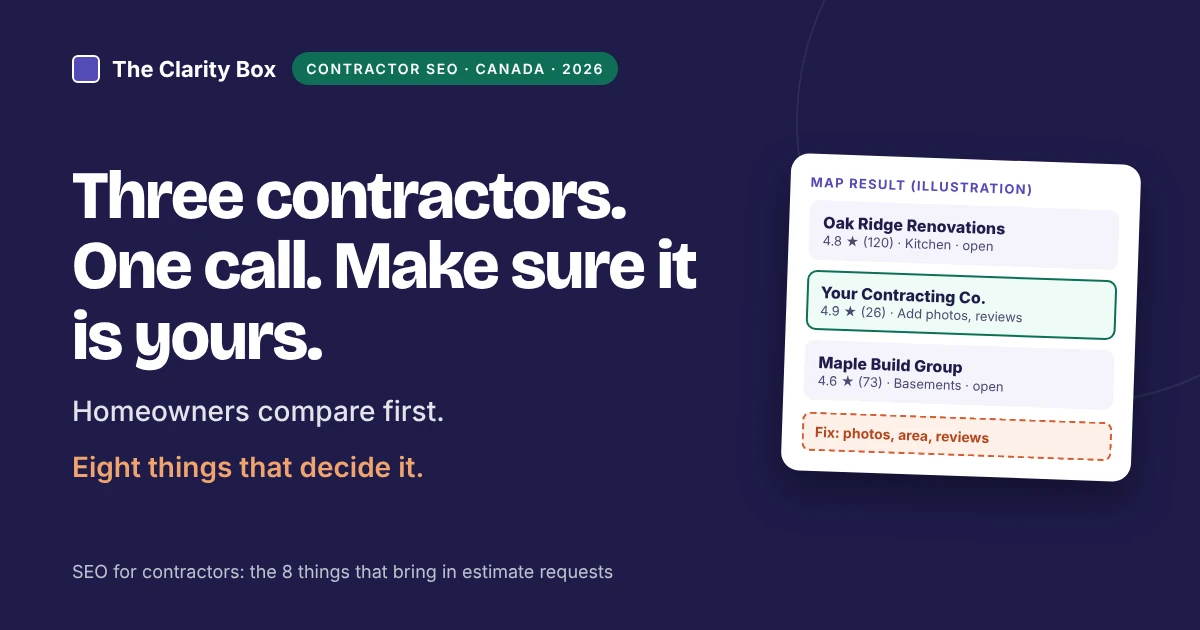
Navy thumbnail reading: Three contractors. One call. Make sure it is yours.

Homeowners compare a few contractors before they call, so the ones who look real, local, and easy to reach win the estimate. As of November 13, 2026.

Key takeaways

  • Homeowners who need an estimate compare two or three contractors before they call. Eight things decide who gets the call: a correct Google Business Profile, service-area setup, one page per job type, project photos, recent reviews, clear contact paths, local proof, and an estimate form that is easy to finish.
  • Several popular tactics bring little: buying lead sites you do not control, stuffing city names into pages, and posting daily on social media with no link to your pages.
  • If you travel to customers, Google’s guidelines let you hide your address and list service areas. Do it correctly and never use a virtual office address.
  • Nobody can guarantee estimate requests. You can remove the reasons a homeowner picks someone else.

How homeowners pick a contractor

Estimate-based work is a comparison. The homeowner searches (“kitchen renovation contractor Ottawa”), checks the map result, opens a few websites, looks at photos, reads reviews, and requests two or three estimates. The contractor who looks real, local, and easy to reach gets more of those requests.

BrightLocal’s Local Consumer Review Survey 2026 (1,002 U.S. adults, published February 11, 2026) found that 97% read reviews for local businesses and 74% only consider reviews from the last three months. That is an American sample, so use it as direction. We found no Canadian contractor-specific dataset.
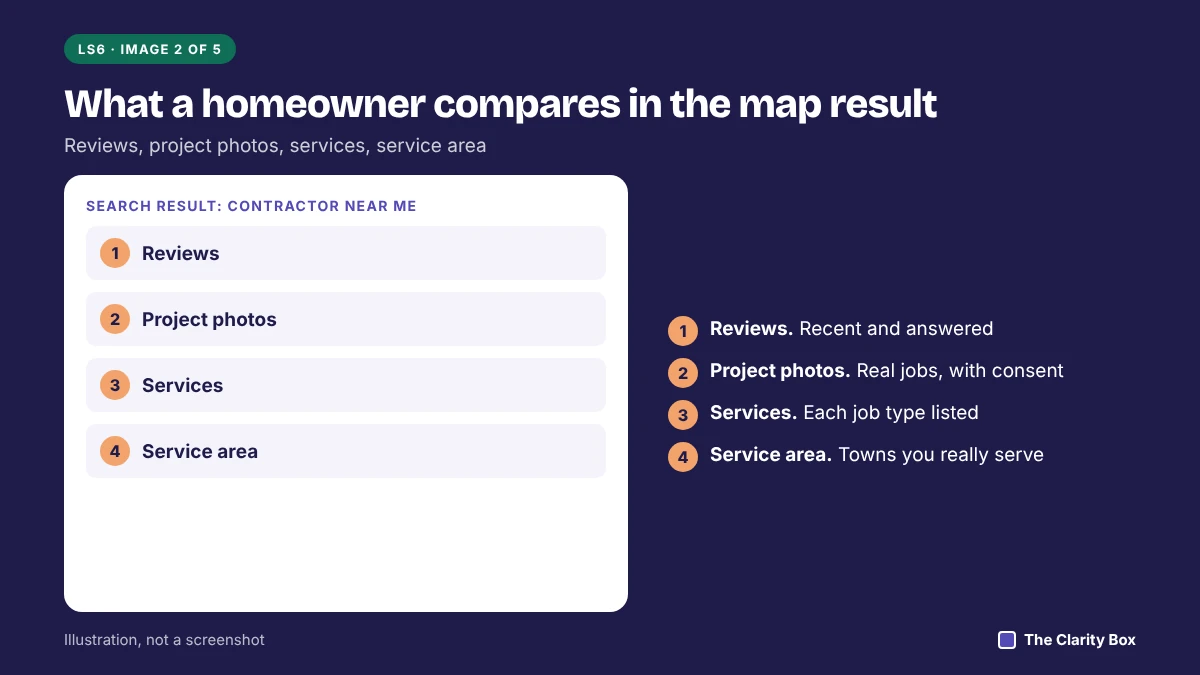
Illustrated contractor map result showing reviews, project photos, services and service area that a homeowner compares
Illustration, not a screenshot.

The eight things that bring in estimate requests

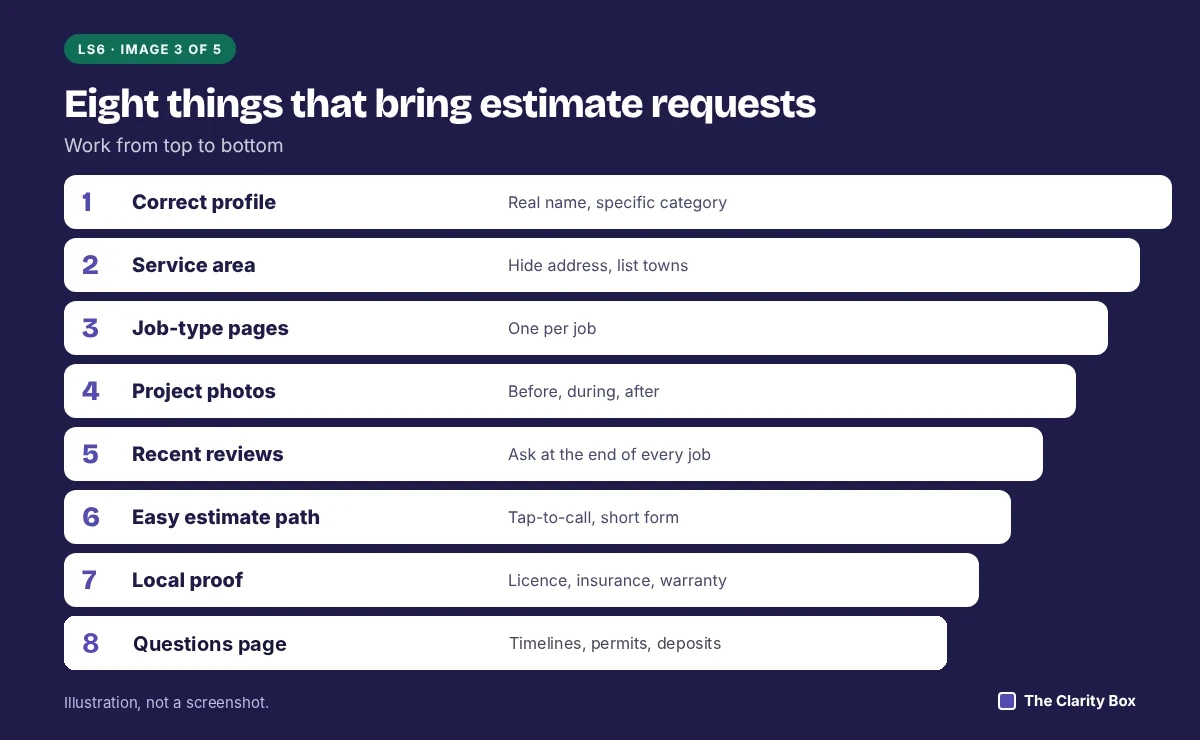
  1. A correct Google Business Profile. Use your real business name, the most specific primary category (for example “General contractor” or the trade you actually do), accurate hours, and your phone number. Google’s guidelines do not allow keywords added to the name.
  2. A service area set up properly. If customers do not visit you, hide the address and list the areas you serve. Google’s guidance describes service areas as roughly what you can reach within about two hours of driving; keep yours realistic. Our guide to ranking a service-area business goes deeper.
  3. One page per job type and area. “Kitchen renovations”, “basement finishing”, and “deck building” each get a page with what you do, what the process looks like, how you handle permits, and photos of finished jobs.
  4. Real project photos with context. Show before, during, and after, and name the town or neighborhood when the homeowner agrees.
  5. Recent reviews you answer. Ask every customer at the end of a job, reply to every review, and never offer rewards.
  6. An easy estimate path. Tap-to-call on mobile, a short form, and a clear promise of when you will reply.
  7. Proof that you are local and licensed. Licences, insurance, warranties, and trade associations, each stated accurately.
  8. A page for questions people ask before hiring. Timelines, permits, deposits (without stating your prices), and what to prepare for the visit.
Ranked list of eight things that bring contractors estimate requests, from a correct profile to a questions page
Illustration, not a screenshot.

Fix them in this order

PriorityFixHow to check it yourselfEffort
1Profile name, category, hours, service areaSearch your business on google.ca in a private windowLow
2Estimate path on mobileRequest an estimate from your own phoneLow
3Review routine and repliesCount reviews from the last 90 daysMedium
4Job-type pages with photosSearch “[job] contractor [city]” and see which page appearsMedium
5Licence, insurance, and warranty pagesCompare with your official recordsLow
6Questions pageList the five questions you hear mostMedium
7Consistent listings elsewhereList every directory where you appearMedium
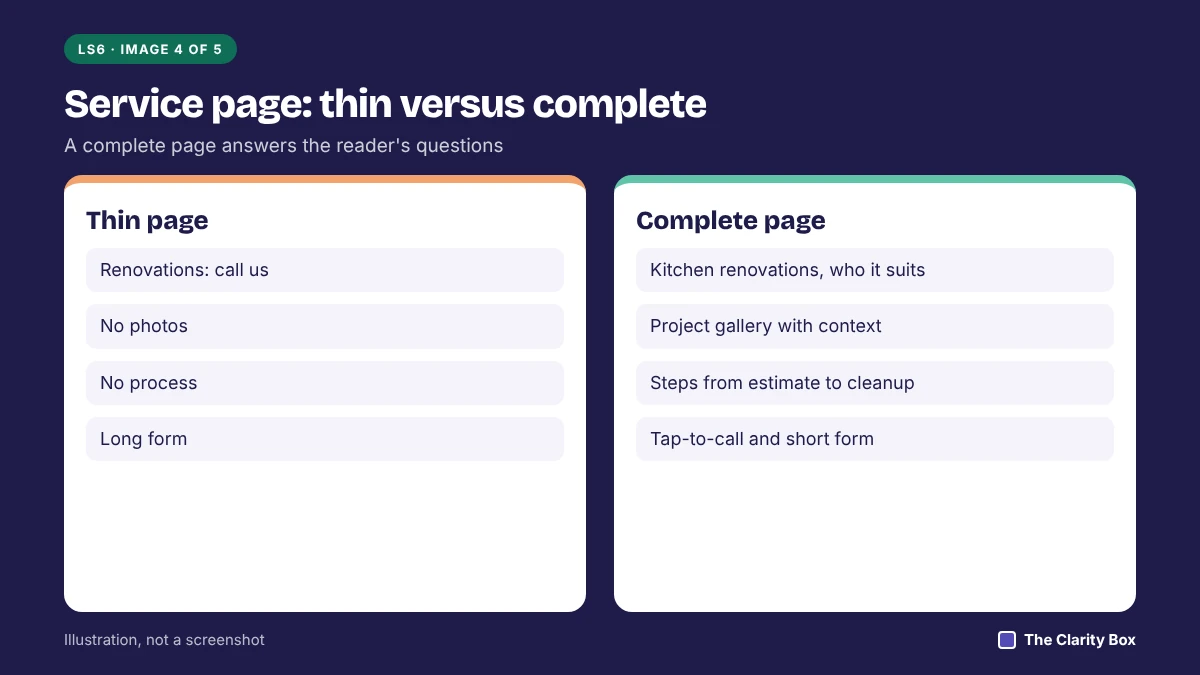
Comparison of a thin contractor service page and a complete one with gallery, process steps and tap-to-call
Illustration, not a screenshot.

What does not bring estimate requests

  • Duplicate city pages. The same text with a different city name is a pattern Google’s spam policies describe as scaled, low-value content.
  • Keywords in the business name. It violates Google’s guidelines and can lead to suspension.
  • Buying or faking reviews. Prohibited by Google and damaging if exposed. See how to remove Google reviews for handling bad ones the right way.
  • A virtual office address. Google’s guidelines do not accept it for a service business.
  • Daily social posts with no pages behind them. They do not replace pages that answer a homeowner’s search.
  • Lead sites you do not control. They may fill a calendar, but ownership of the customer stays with the site. Compare them on control, speed, and effort, not only on cost.

Google’s Local Services Ads are listed for several trades in Canada, but availability depends on your category and area. Check eligibility in Google’s own tool before you plan around them.
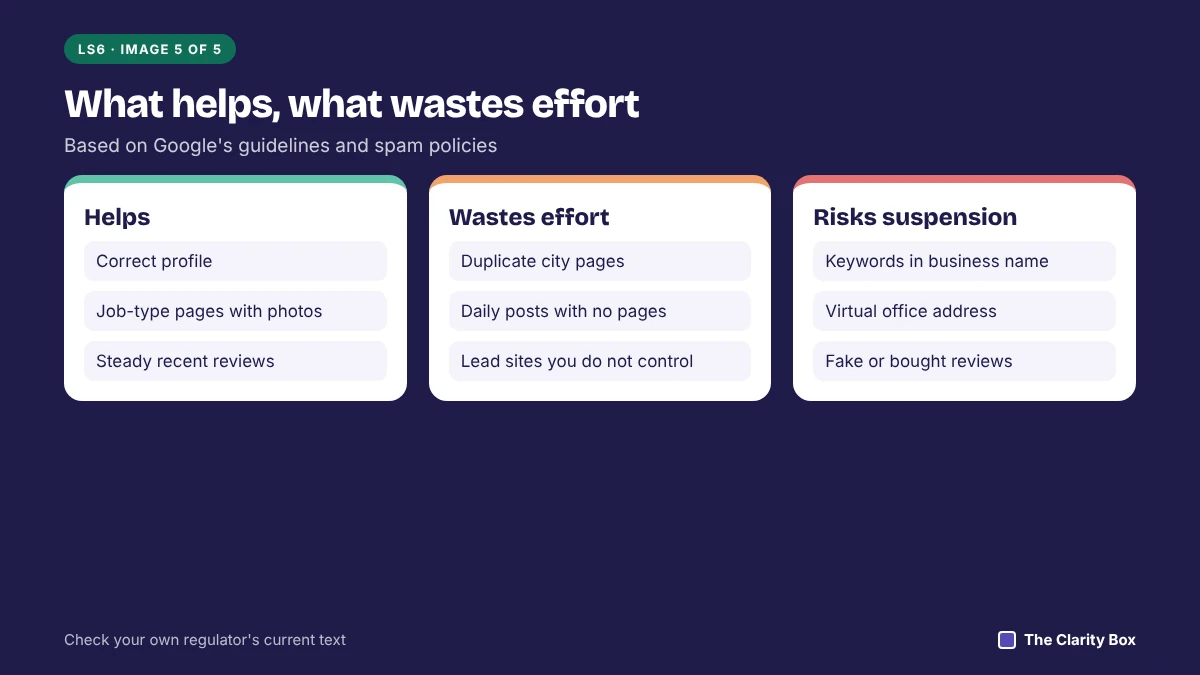
Three columns showing contractor SEO actions that help, waste effort or risk a Google Business Profile suspension
Illustration, not a screenshot.

What is different by country

  • Canada versus the United States: most contractor SEO guides cite U.S. licensing and U.S. data. Provincial licensing and permit rules apply here, and they differ by trade.
  • Quebec: if you serve both languages, make French pages as complete as English ones.
  • Verification: we confirmed Google’s guideline text and the Local Services Ads country list. We did not verify provincial trade-licence rules, so state only what your own licence says.

Where the usual advice falls short

On the first page of google.ca (Canada-targeted results, not city-level, checked November 2026) many contractor guides are agency pages with generic lists. Few explain service-area settings, few say what not to do, and few give a way to check each item. This guide adds a ranked order, self-checks, and the things that waste effort. For the wider picture, see local SEO, SEO for home service businesses, and how long local SEO takes.

Questions contractors ask

Do I need a blog?

Not first. Job-type pages and the profile come first.

How many reviews do I need?

There is no fixed number. Recent and steady beats a one-time burst.

Should I hide my address?

If customers do not visit you, yes, per Google’s service-area guidance.

Are lead sites worth it?

They can work for some trades; judge them by who owns the lead and how much work they ask of you.

Can I use my home address?

Yes, as a service-area business with the address hidden.

How long until estimate requests rise?

Profile fixes can show within weeks; pages and reviews take months. More in Local SEO and Google Business Profile questions.

Sources

IN THIS ARTICLE

Table of Contents

★ RECOMMENDED NEXT STEP
Get your free SEO audit

If you want these eight things checked against your own business, THE CLARITY BOX will send you a written list of what to fix first.

ABOUT THE AUTHOR
Picture of Saba Samdani
Saba Samdani

Saba is an SEO and growth strategist with over 10 years of experience in SEO, content strategy, and digital marketing. She writes about organic growth, content optimization, technical SEO, and AI-powered search, translating complex concepts into practical, data-informed insights that help businesses make smarter marketing decisions.