How roofers can set up their Google profile and service pages to win estimate requests, with a storm-season plan and Local Services Ads eligibility.

SEO & Growth Strategist · 10+ years experience
Share this article
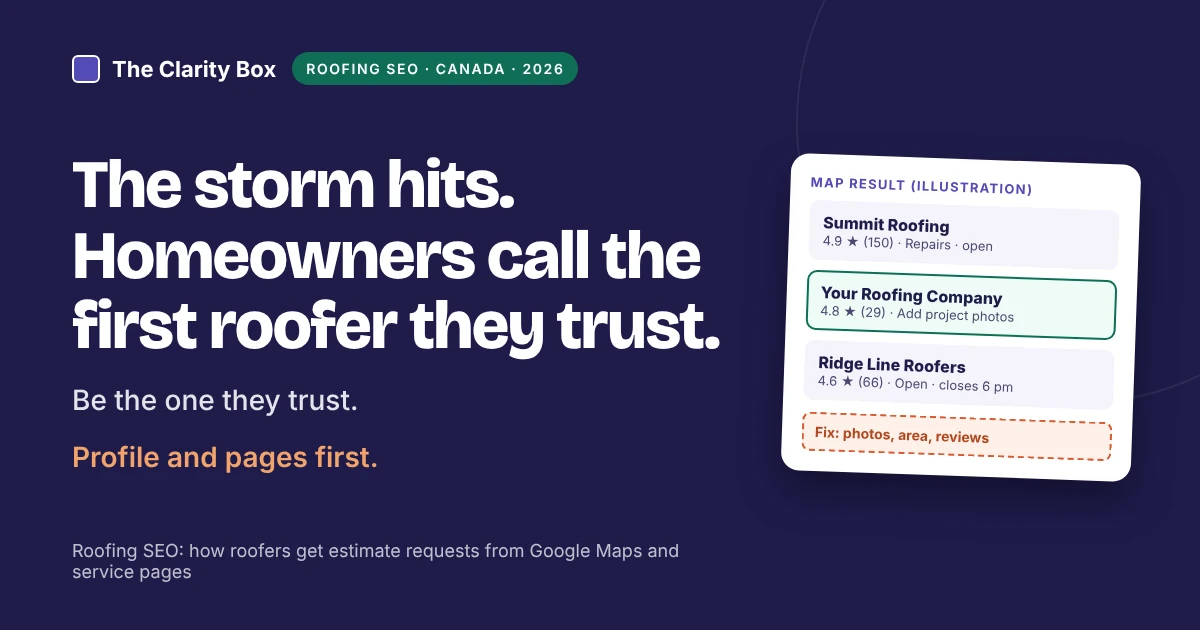
Roofing demand arrives in bursts, and the roofer who looks open, local, and proven in the map result gets the first call. Here is how to set that up before the storm. As of November 13, 2026.
Key takeaways
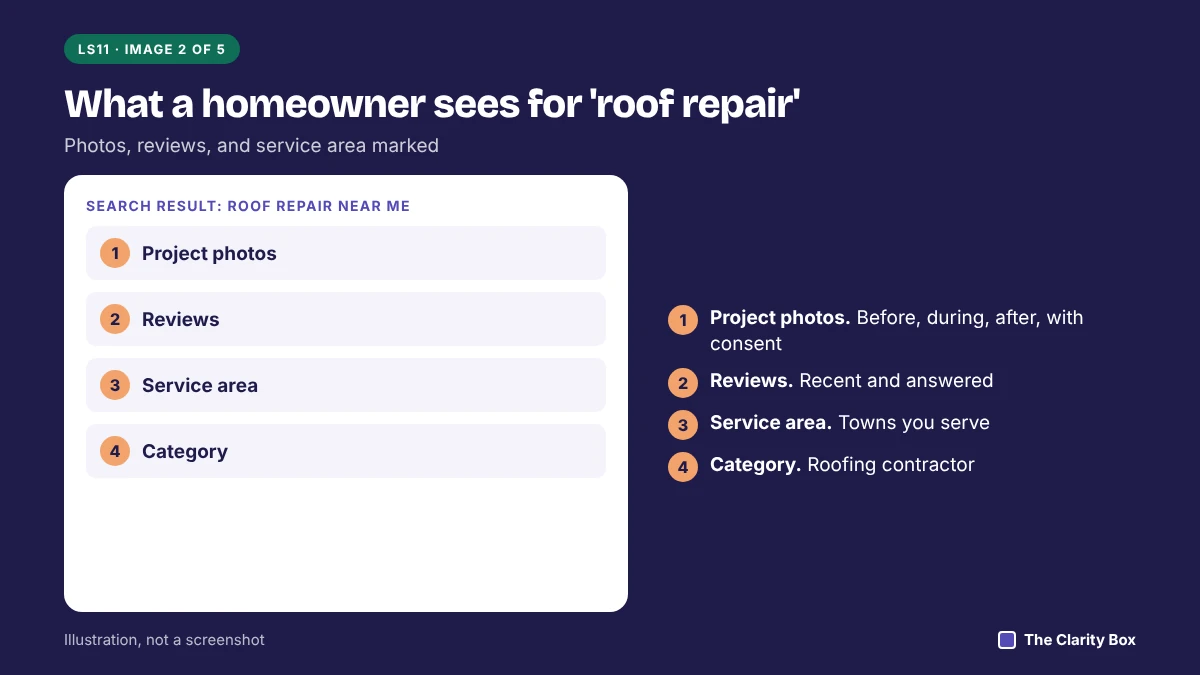
Roofing is a high-trust decision. The homeowner is worried about a leak or a large bill, and is wary of door-to-door contractors after a storm. They open the map result, look for a company that is real and nearby, check reviews and photos, and call two or three.
BrightLocal’s Local Consumer Review Survey 2026 (1,002 U.S. adults, published February 11, 2026) found that 97% read reviews for local businesses, 74% only consider reviews from the last three months, and 68% require a rating of four stars or higher. That is an American sample and not specific to roofing, so use it as direction.
| Page | What to show | Check |
|---|---|---|
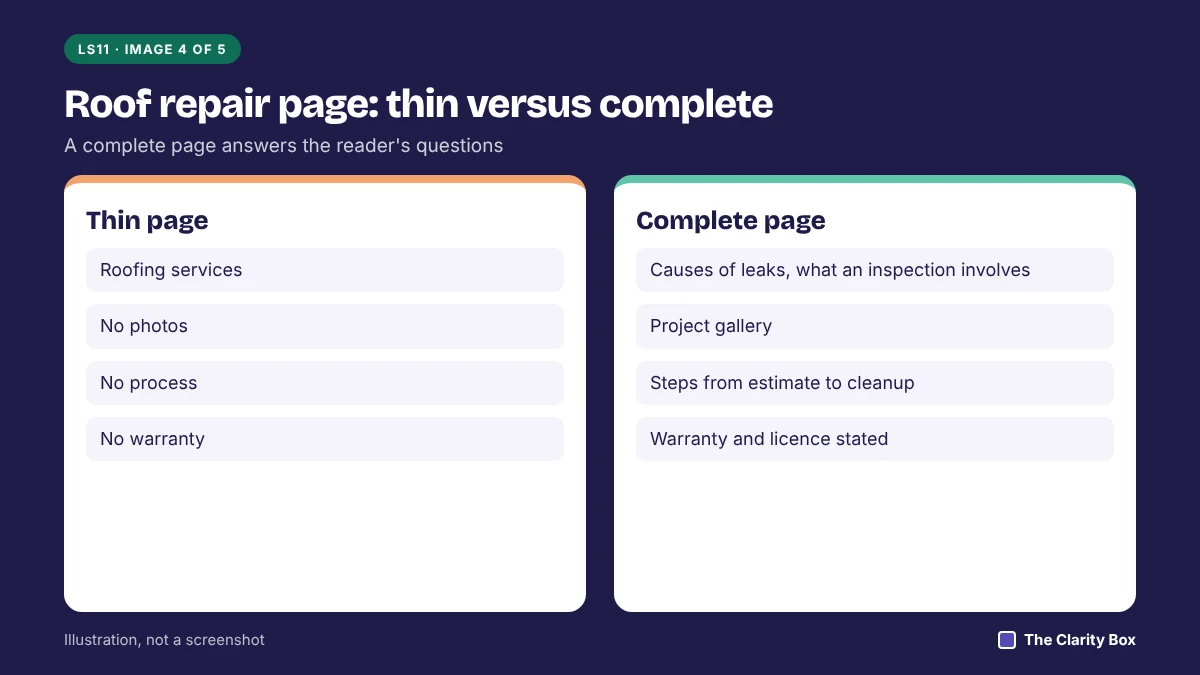
| Roof repair | Common causes of leaks, what an inspection involves, how you handle temporary fixes | Search “roof repair [town]” and see which page appears |
| Roof replacement | Signs a roof needs replacing, materials you install, the steps from estimate to cleanup, warranty terms | Can a homeowner follow the process? |
| Emergency and storm damage | How to reach you, what you do first, how to document damage for insurance | Is the phone number tappable on mobile? |
| Commercial roofing | Building types, systems, safety and scheduling | Does it speak to a property manager? |
| Projects | Photos and short notes on real jobs, with town names where the homeowner agrees | Do they match your profile photos? |
| Licence, insurance, and warranty | What you hold, stated accurately | Does it match your records? |
Write each page from your own jobs. Pages that only swap a town name are treated in Google’s spam policies as scaled, low-value content.
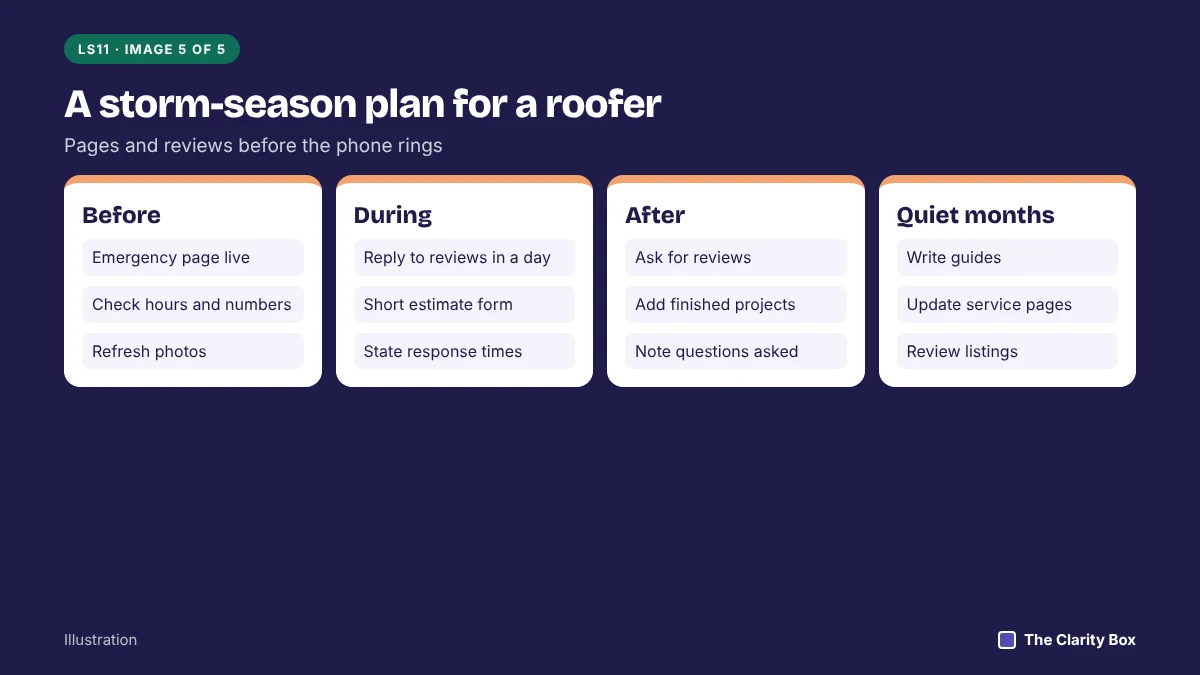
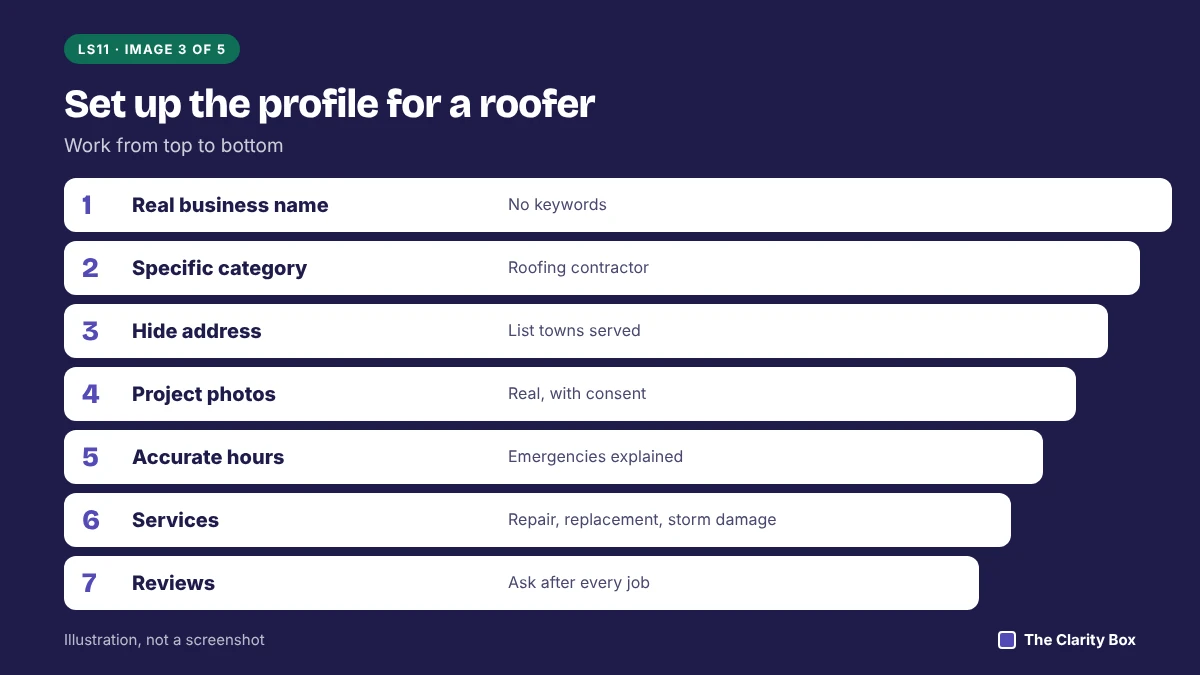
Storm seasons bring door-to-door sellers and fake listings. Your best defense is a profile with a real address history, licence and insurance details, and reviews from verified customers. If you see a fake listing using a competitor’s or your name, report it through Google’s tools. Our guide to removing Google reviews covers unfair reviews.
If you consider Google’s Local Services Ads, Google lists Canada and the roofer category among supported options, but eligibility depends on your area and a screening process. Check in Google’s own tool, and compare paid and organic on speed, control, and risk, not on fees.
On the first page of google.ca (Canada-targeted results, not city-level, checked November 2026) most roofing SEO pages are agency pages with generic lists. Few explain service-area settings, a page set for each type of job, or a storm-season plan. This guide adds all three. For the wider picture, see local SEO, SEO for home service businesses, SEO for contractors and HVAC SEO.
If customers do not visit you, yes, per Google’s service-area guidance.
There is no fixed number. Steady, real, recent photos beat a single batch.
Only for towns you serve and can say something real about.
They can fill a calendar, but compare them on who owns the lead, speed, and effort.
Profile changes can show within weeks; pages and reviews take months. See how long local SEO takes.
Report them through Google’s tools and keep a record.
Want your profile and service pages checked before the next storm? THE CLARITY BOX will send a written list of what to fix first.
Saba is an SEO and growth strategist with over 10 years of experience in SEO, content strategy, and digital marketing. She writes about organic growth, content optimization, technical SEO, and AI-powered search, translating complex concepts into practical, data-informed insights that help businesses make smarter marketing decisions.